Give your story a reading room.
Invite beta readers into your manuscript. Let them read at their own pace, leave honest notes in context, and talk with one another when they’re ready.
Built for WordPress. Fits into a page made with Elementor.
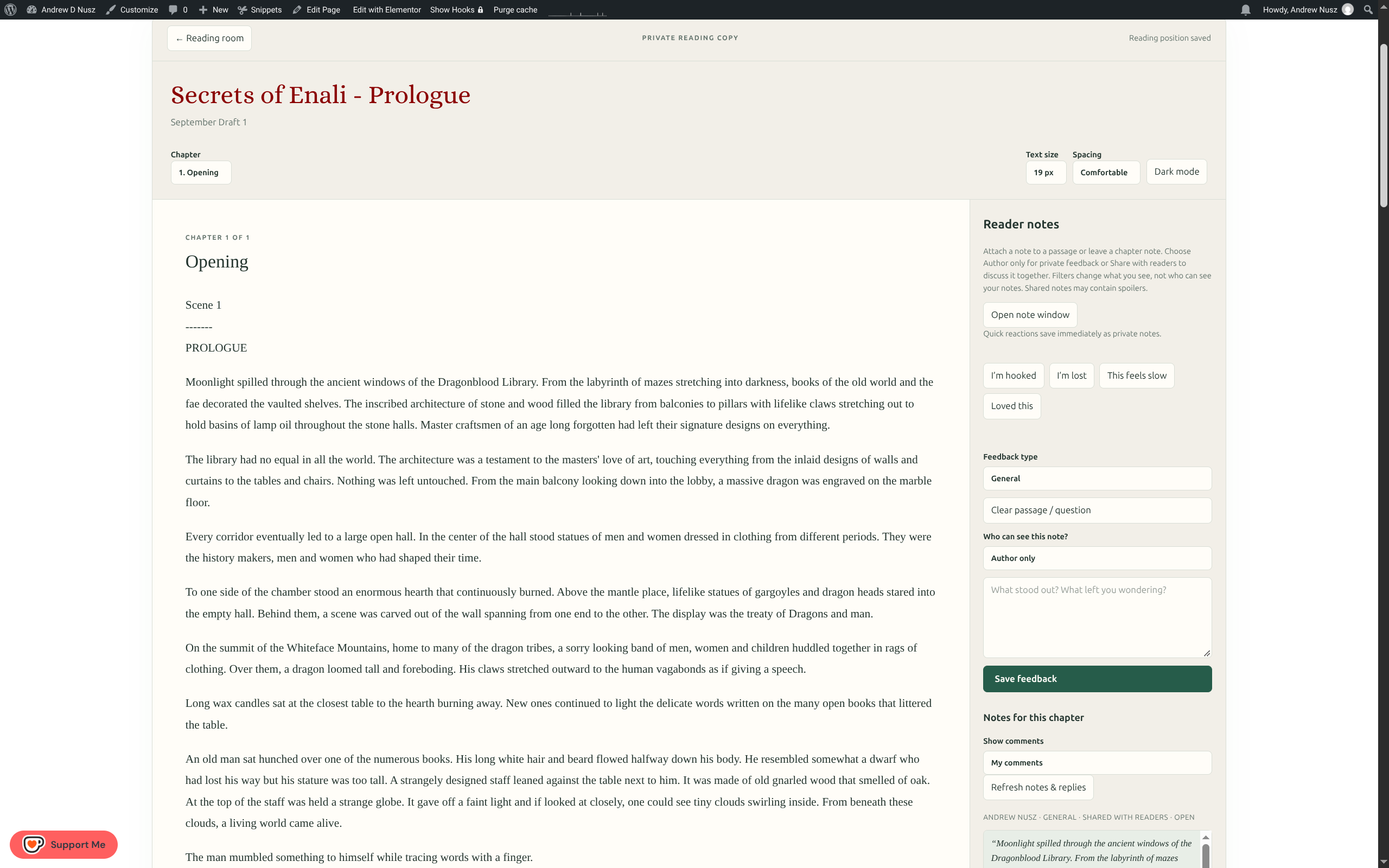
Everything starts with the book.
A calm, focused home for your draft and the people helping you improve it.
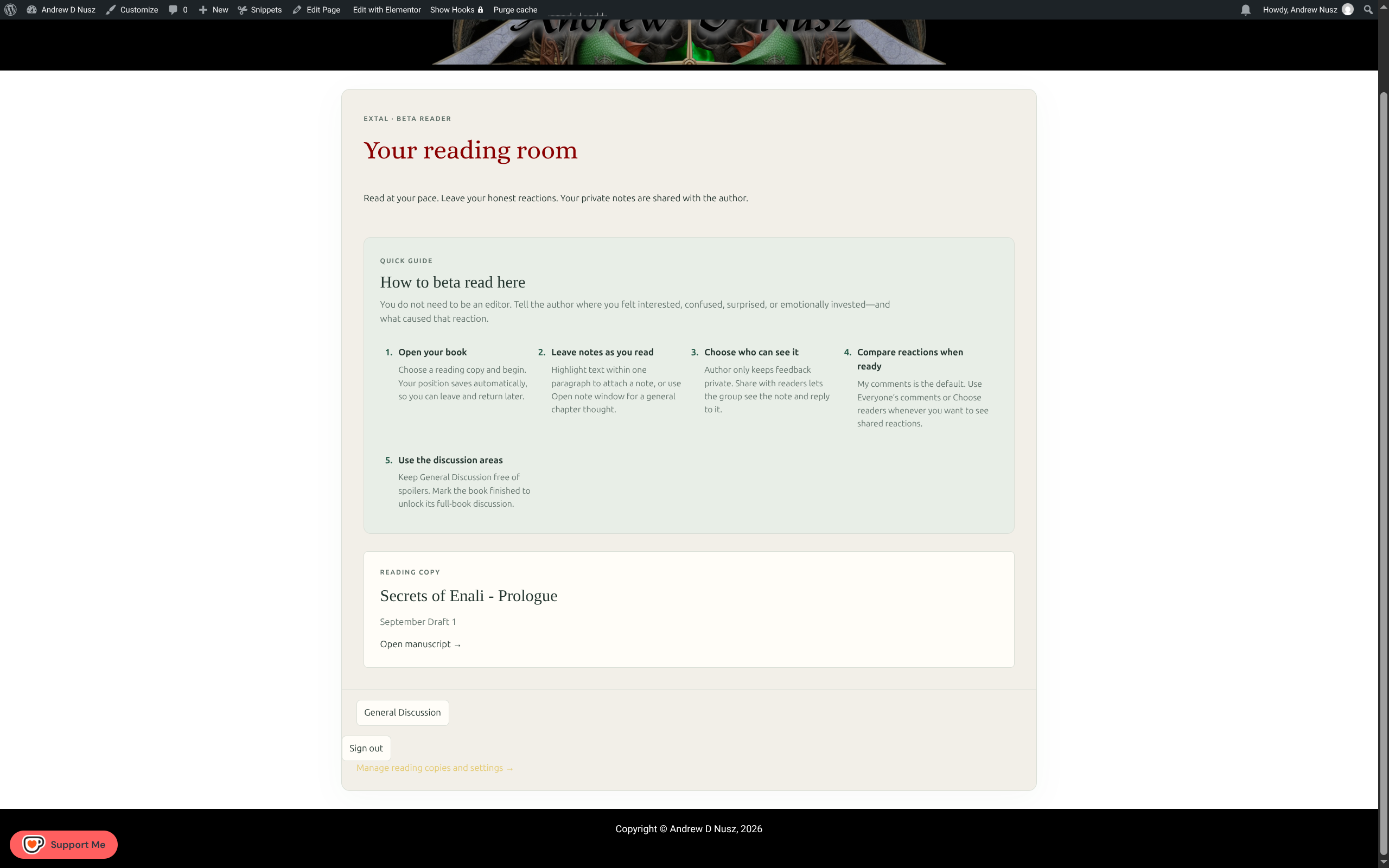
An inviting first page, not a wall of instructions.
Readers enter through their own account, see your reading guide, and open the copy you have assigned to them. Their position is saved so they can pick up where they left off.
- Invite readers with a private link.
- Offer a clear, built-in guide to beta reading.
- Let readers adjust text size, spacing, and dark mode.
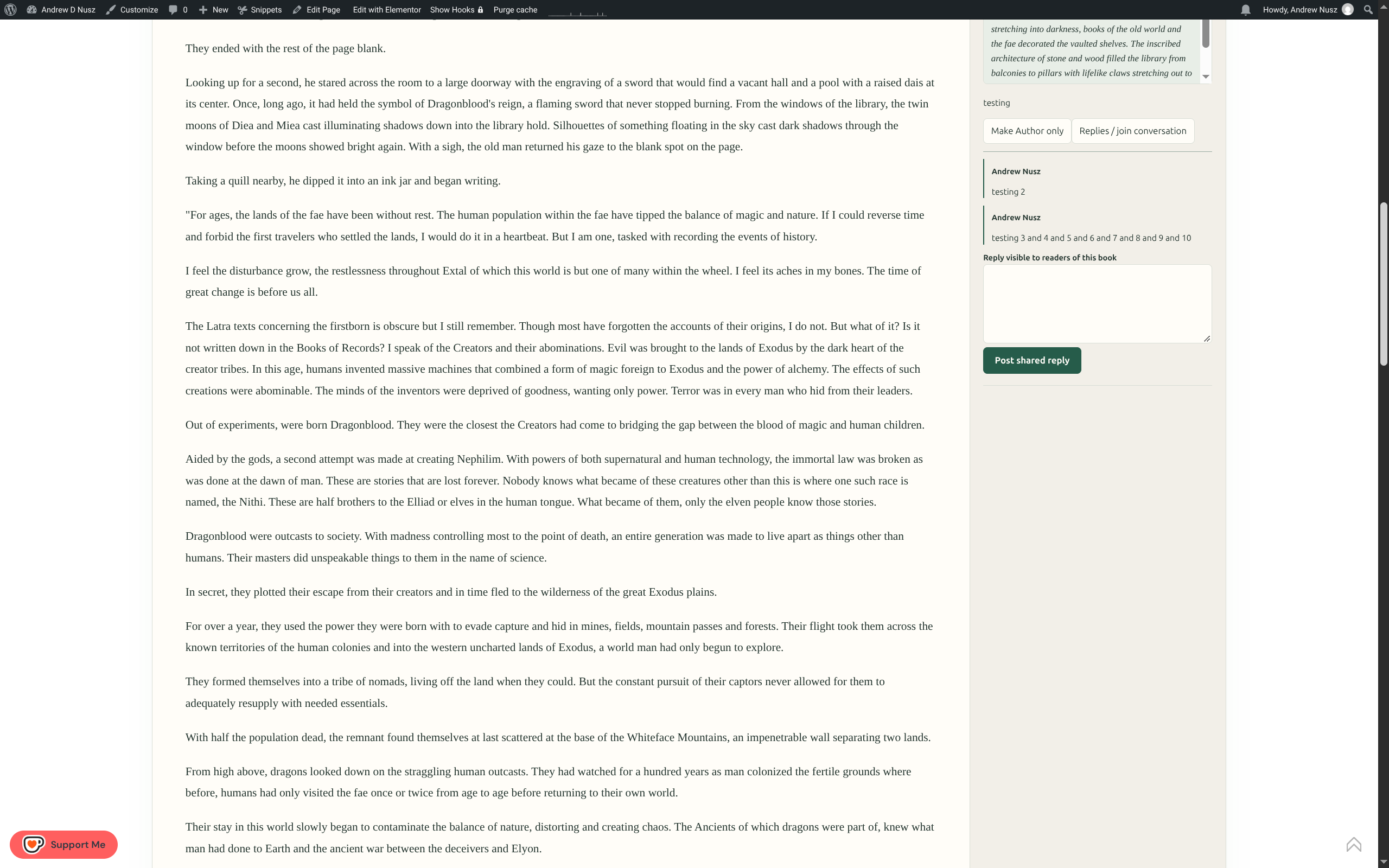
Good feedback happens while they’re reading.
A reader can highlight a passage or leave a chapter note without losing their place. A quick reaction can say “I’m hooked” or “I’m lost” when that says enough.
- Keep a note for the author or share it with fellow readers.
- Filter to your own comments or see shared reactions.
- Reply to a shared note right where it was made.
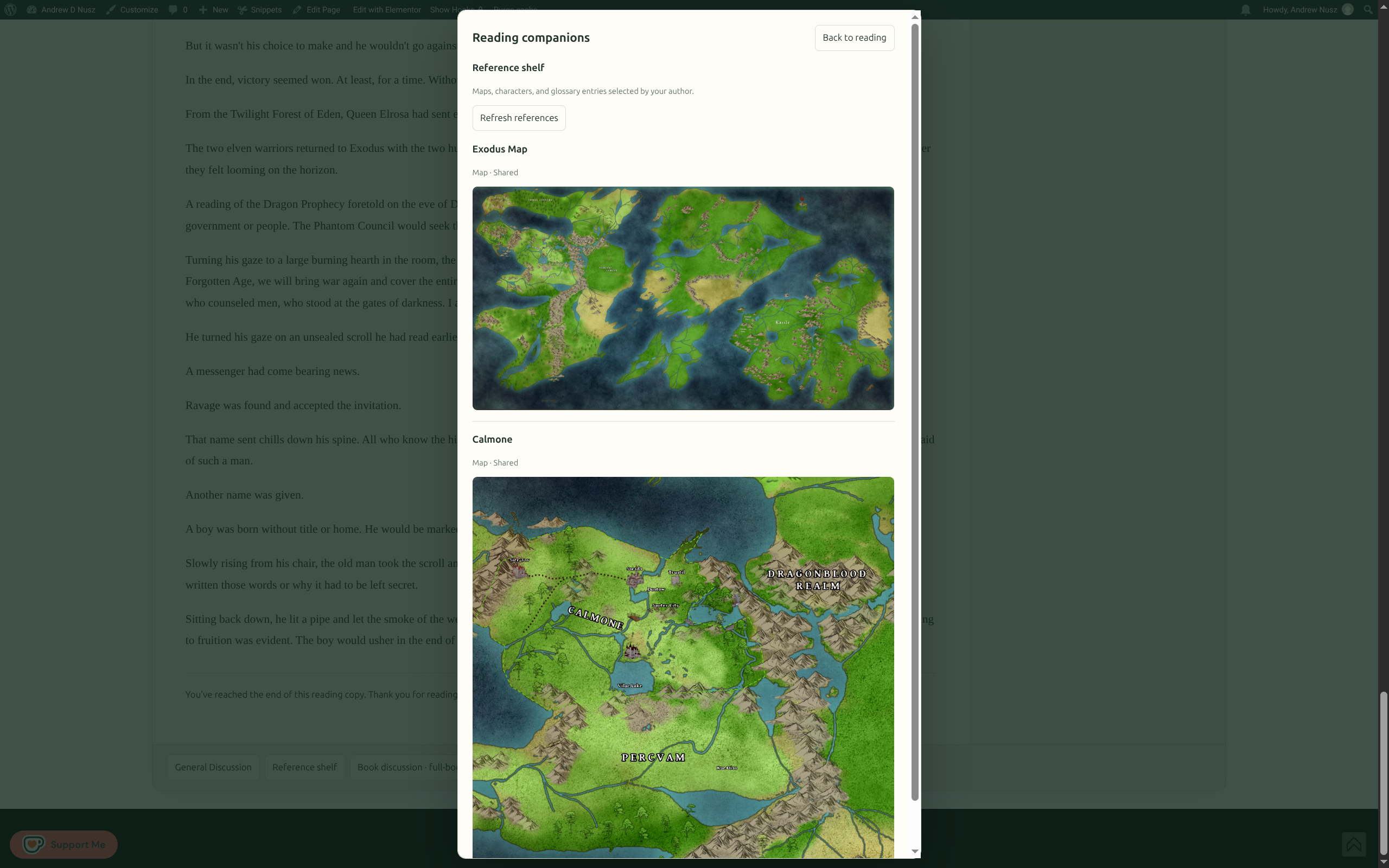
The little details have a place, too.
Add maps, character notes, glossary entries, and other references to a shelf readers can open from the book. Choose which items are shared and which appear only after a reader finishes.
See the setup stepsReaders can talk together.
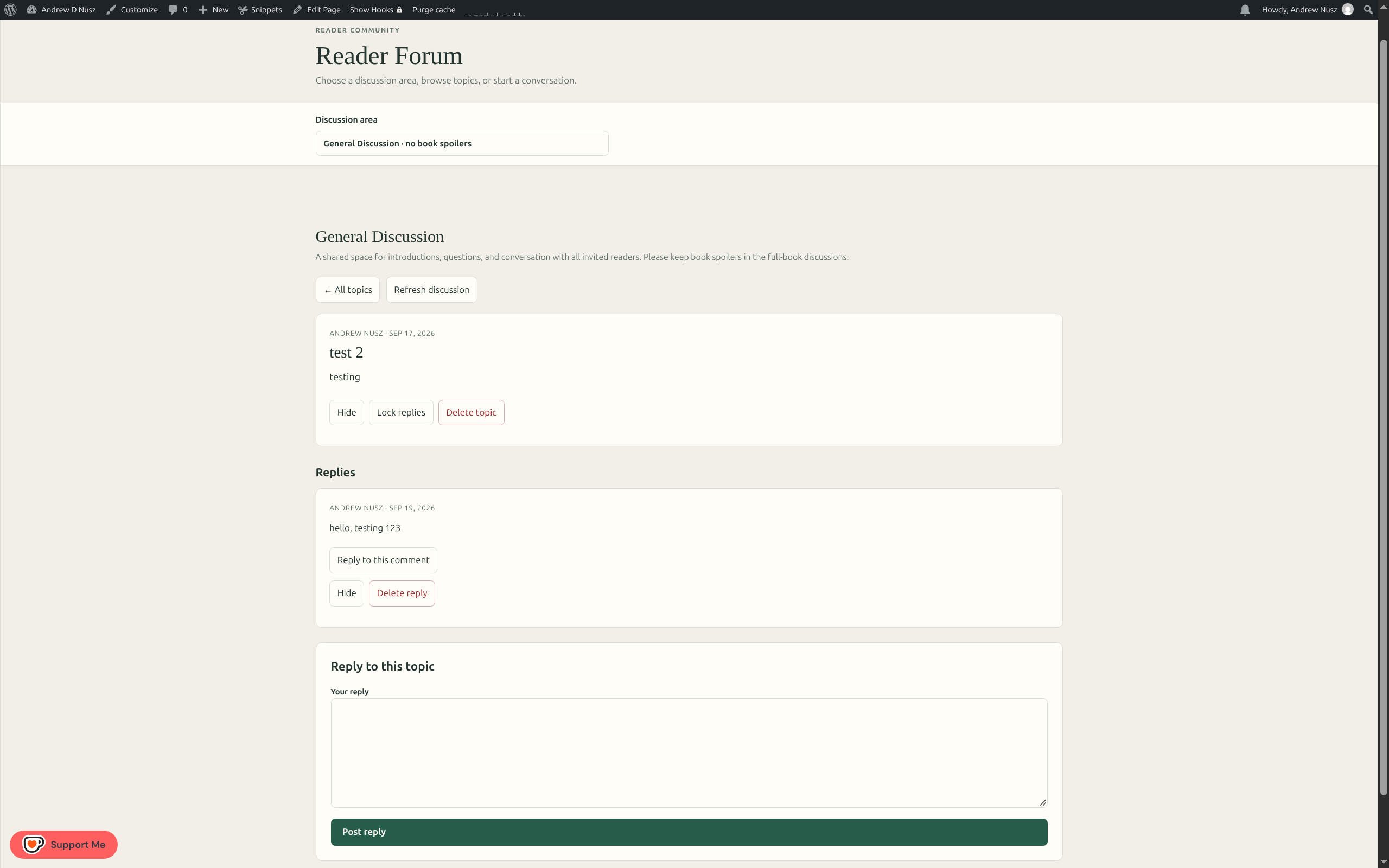
The full-page forum gives your group a familiar place to start topics and reply. General Discussion is for spoiler-free conversation. A separate book discussion opens after a reader marks the book finished.
Readers can delete their own posts. You can moderate or remove any post.
From draft to feedback in three steps.
Install & add your draft
Upload the plugin in WordPress. Add a manuscript as HTML or plain text, then give the reading copy a round name.
Invite your readers
Put the reading-room shortcode in an Elementor Shortcode widget. Create a private invitation link for each copy.
Read the response
Review notes in your dashboard, answer privately or in shared threads, and download an easy-to-read report or CSV.
Notes start as author-only. Readers choose when to share a note with the group. The full-book discussion stays behind the finished-reading gate.
A few good questions.
Do readers need a WordPress account?
Yes. You create a private invitation link, and a new reader can create their own account from the reading-room page. Existing accounts can sign in and accept the invitation.
Can readers see one another’s notes?
Only notes their writers choose to share. Notes start as author-only, and readers can filter the comments they view.
Can I use this with Elementor?
Yes. Add the Loading…
How do I get the feedback out?
Download a readable HTML report or a spreadsheet-ready CSV from the WordPress Beta Reader dashboard. There is no separate app connection required.
Does it replace Google Docs?
It offers a shared reading experience with private and shared comments, discussion, and exports. It is built around reading a fixed draft rather than editing the manuscript together.
Give the next draft a place to live.
Download the plugin ZIP and install it in WordPress under Plugins → Add New Plugin → Upload Plugin. Then place this shortcode in an Elementor Shortcode widget on your reading-room page.
[extal_beta_reader]